How to make AI porn videos from an image
A practical image-to-video workflow: choose a source still, direct one movement, count credits and check the downloaded clip before paying for more.

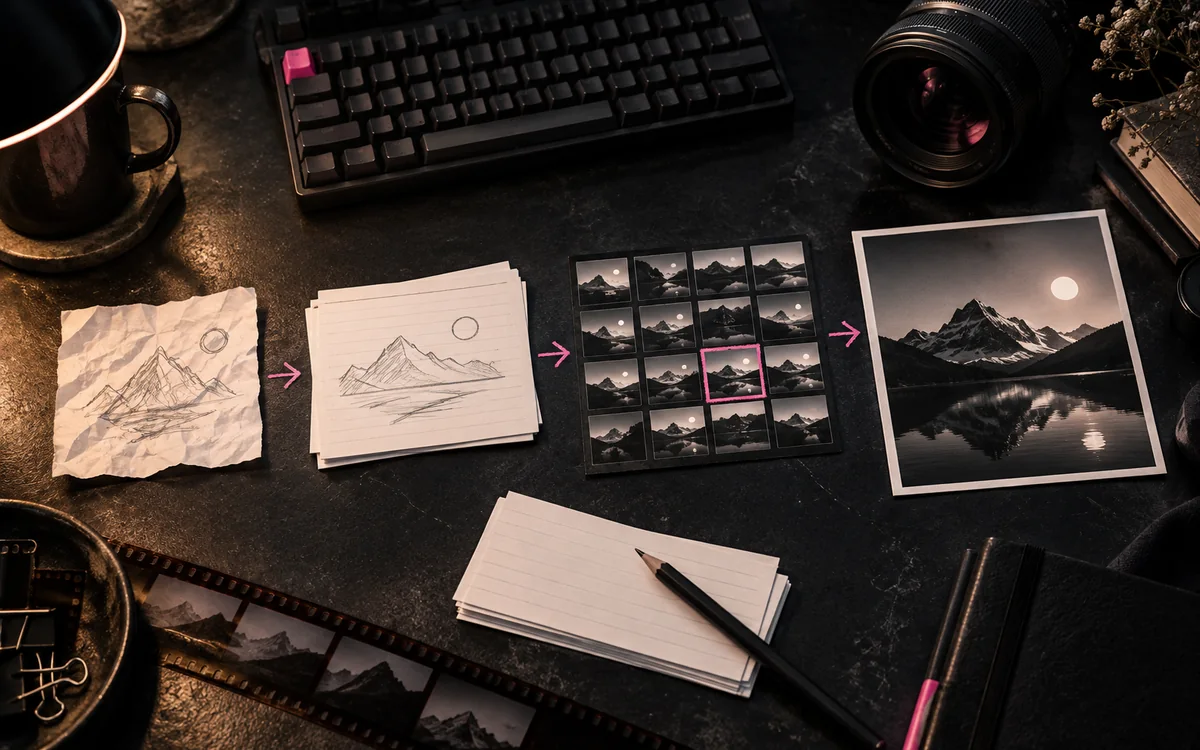
The easiest way to make an AI adult video is often to begin with one good still. The image fixes the character, clothing, lighting and scene; the video prompt only has to describe what changes. That makes the first attempt easier to judge and easier to improve.
Start with the NSFW image-to-video comparison if you are choosing a service. It covers the listed workflows for Promptchan and PornJourney. The video directory also includes template and all-in-one studio options.
1. Choose the source image before the tool
Use a clear image of a fictional adult character that you made or have permission to use. A stable face, simple background and visible pose give the model fewer details to invent. If the still already has distorted hands or inconsistent clothing, animation usually makes those problems harder to ignore.
The source also determines which tool fits. Promptchan describes animating images created on its platform, so check its current rules if your image was made elsewhere. PornJourney advertises an image-to-video workflow; check accepted file formats, dimensions and upload rules before buying credits. A service offering "AI video" may start from text or a template instead of accepting your still.
2. Direct one motion, not a whole film
Keep the first clip simple. Describe a subject movement and, if needed, one camera movement. For example: "An adult woman in her thirties turns toward the window; her hair moves slightly; the camera makes a slow push in; keep the face and background stable." That instruction gives the model a small, observable job.
Avoid piling on a new outfit, a room change, a close-up and a dramatic camera move in the same attempt. If the output breaks, you will not know which request caused it. For image wording, use the AI porn prompt guide; for video, describe what happens over time rather than repeating every detail already visible in the still.
3. Budget for a finished clip
The subscription price is not the cost of a usable video. Before generating, find the charge for the model, duration and resolution you want. Then check the price of an extension, an HD export and a retry. A cheap short preview can lead to an expensive final file.
| Record this | Why it changes the bill |
|---|---|
| Credits or Gems included | Tells you the starting balance, not the number of finished clips |
| Charge per attempt | Sets the real cost of each generation and retry |
| Clip length and resolution | Longer or sharper outputs may use a different tier |
| Failed-job policy | Determines whether an error spends the balance |
| Export and watermark rules | Determines whether the file is usable for your purpose |
Do the arithmetic with the plan's actual billing period. A monthly equivalent on an annual plan still means a larger charge today. If the provider does not show an operation cost until you sign in, note it before you commit to a subscription.
4. Check the download, not just the preview
Watch for face drift, changing hands, background movement and a jump at the end of the clip. Then download the file and check its resolution, compression, watermark and format. A polished small preview can hide problems that show up in the export.
Make only one change for the next attempt: shorten the motion, steady the camera or choose a cleaner source still. If a tool offers a still-image editor, fix a bad source image there first. Editing the still and directing motion are separate jobs.
5. Know where the source goes
Before uploading, check whether your source and output can appear in a public gallery and how to remove them. Use material you have rights to share, and keep every depicted character clearly adult. Our listing policy excludes real-person likeness abuse.
When two services seem close, run the same simple scene at the same duration and export quality. Compare the finished files and the full charge. That is a more useful decision than counting how many video features appear on a homepage.