How to make AI porn GIFs that loop properly
How to make AI porn GIFs: straight from a generator or from a short AI clip, with the settings that keep them small and sharp and a loop that doesn't jump.
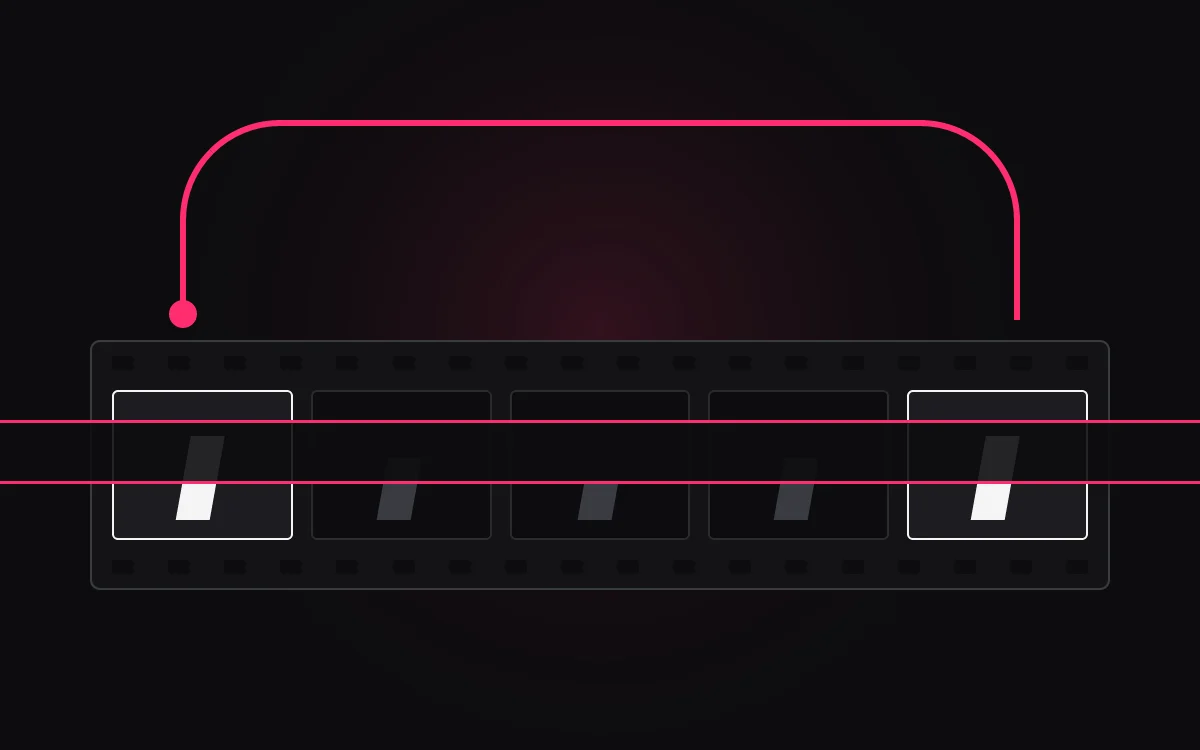
A good GIF is three seconds of something that never ends. Hair moving in a breeze, a slow turn back to camera, a robe slipping an inch and settling. Done right, nobody can see where it starts. Done wrong, it jumps like a scratched record every two seconds.
There are two ways to make AI porn GIFs, and which one suits you depends on what you've already got.
Straight to GIF
Make a still and turn it into a GIF in one place. CreatePorn is the tool in our directory with image-to-GIF built in.
Read the CreatePorn reviewClip first, then GIF
Animate a still with an image-to-video tool, download the clip, then convert it. More steps, much better movement.
Compare image-to-video toolsJust convert it
Trim it to the best two to four seconds and convert it on your own computer. No uploading required.
Jump to convertingRoute 1: straight to GIF
CreatePorn is a picture machine with a trick: pick a style, stack a few tags or write a prompt, and once you've got a still you like, it can turn it into a GIF or upscale it on the spot. One site, no conversion, nothing to install.
The trade-off is control. You're getting CreatePorn's idea of movement, not yours, and its free gems are a demo: a handful of renders and they're gone. Pricing sits on a separate page, so check it before you plan a big batch. Save the GIFs you like as you go, because pictures there don't always save themselves.
Route 2: make a clip, then convert it
This is the route for movement you actually chose. Start with a still you love, animate it into a short clip, then turn the best few seconds into a GIF.
- Make the stillGet one image right first. Our prompt guide covers the wording, and the prompt generator will build one for you.
- Animate one movementAsk for a single, small motion and a still camera. That's what loops best.
- Download the clipCheck your plan includes downloads before you start. On SweetPorn and CreamPorn that's the Basic tier.
- Trim and convertCut it to the best two to four seconds, then convert it to a GIF on your own computer.
The image-to-video tools we compare all make short clips, roughly 3 to 8 seconds depending on the plan. Downloads are where the price jumps: SweetPorn's Basic is $19.99 a month, CreamPorn's Basic pack is $59.99 once, and Promptchan's video sits on its $33.99 Pro plan. Our image-to-video guide walks through the first clip.
Make it loop without a jump
The jump in a bad GIF is the moment the last frame snaps back to the first. Avoid it at the prompt stage, not the editing stage:
Movement that ends where it started is the trick. Breathing, swaying hair, a slow turn and back, a candle flickering behind her. The prompt generator's video builder has these as one-tap options: pick "Breathe" or "Hair" for movement and "Still" for the camera. Then trim the clip so the last frame looks like the first.
Converting a clip without uploading it
There are plenty of free GIF websites, and you shouldn't use them for this. Uploading an explicit clip to a random converter means a copy now lives on someone else's server, under someone else's rules. Convert it on your own machine instead. A desktop video editor will export a GIF, and if you're comfortable with a command line, the free tool ffmpeg does it well when you let it build a colour palette from your clip first.
Whatever you use, these settings keep a GIF small and sharp:
- Length
- Two to four seconds. Longer files balloon fast.
- Frame rate
- 12 to 15 frames a second. Smooth enough, half the size of video frame rates.
- Width
- Around 480 to 640 pixels. GIFs get huge above that.
- Colours
- GIF tops out at 256 colours, so build a palette from the clip itself. Skin tones banding into stripes is the sign you didn't.
- Loop
- Set it to loop forever.
GIF or video?
A GIF isn't always the best format. It's an old format with a 256-colour limit, so the same few seconds as a short video file is usually smaller and sharper, and many sites quietly convert GIFs to video when you upload them anyway.
Make a GIF when somewhere specifically wants one. Otherwise keep the clip as video and save the GIF for where it fits.
Keep it legal, keep it yours
Every character stays a fictional adult, start to finish. Never animate a photo of a real person, whether that's a celebrity, an ex or anyone you know. It's banned by every tool we list, it's illegal in a growing number of places, and our listing policy excludes the sites that allow it. And check whether your generator posts to a public feed by default before you make something you'd rather keep to yourself.
Questions people ask
How do I make AI porn GIFs?
Either use a generator with image-to-GIF built in, like CreatePorn, or animate a still into a short clip with an image-to-video tool, trim the best two to four seconds and convert it to a GIF on your own computer. Pick a small movement and a still camera so it loops cleanly.
Can I make AI porn GIFs for free?
Partly. Converting a clip to a GIF is free with desktop tools like ffmpeg, and CreatePorn gives a few free gems to try. Making the clip itself usually costs money: video and downloads sit on paid plans across the image-to-video tools we list.
What is the best AI porn GIF generator?
CreatePorn is the tool in our directory with image-to-GIF built in, which makes it the simplest option. For better, more controllable movement, make a clip with an image-to-video tool such as SweetPorn, CreamPorn or Promptchan and convert it.
Why is my GIF so big or blurry?
GIFs are limited to 256 colours and store every frame, so long, wide GIFs get huge and skin tones band. Keep it to two to four seconds, 12 to 15 frames a second and around 480 to 640 pixels wide, and build the colour palette from the clip itself.
How do I stop my GIF jumping when it loops?
Choose a movement that ends where it started, like breathing, swaying hair or a slow turn and back, and keep the camera still. Then trim the clip so the last frame looks like the first.